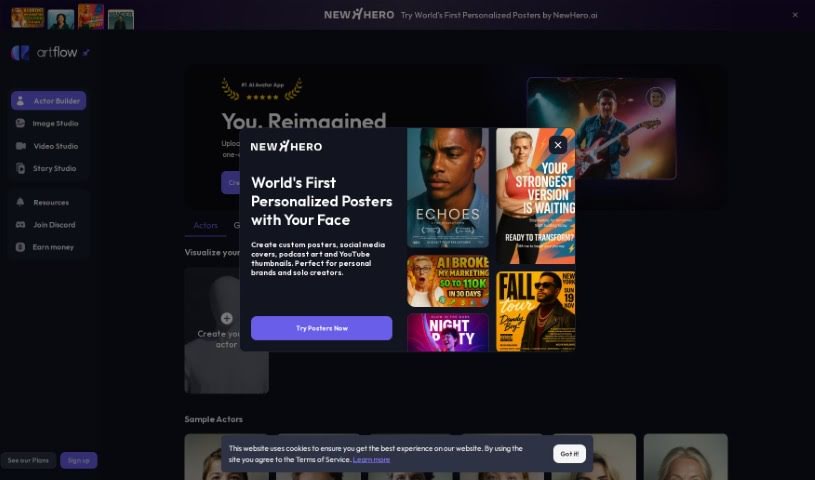
Screenshot of Artflow

Artflow

Discover what Artflow is and how to use its features to create avatars, scenes, and stories in 2025. We'll also compare it to other avatar makers.

Screenshot

What is Artflow?

Artflow is a really flexible platform packed with tools for anyone who loves to create. You can make your own custom avatars, design unique scenes, generate voices, craft interactive dialogues, and even tap into a huge library of assets that other users have made. What’s cool is that it understands descriptions in languages other than English, and you get instant feedback as you create. Plus, there’s a whole community waiting for you on Discord. If you’re looking to learn the ropes, Artflow offers tutorials and FAQs, and there’s even an API if you’re into generating content programmatically. While you can create scenes, user assets, and animated stories, it’s good to know about a few things. Custom avatars can be a bit tricky to get just right, generation times can vary unexpectedly, and there’s always a chance your account could be suspended. They also offer limited guidance on how to use everything, you’ll need Javascript enabled, and there have been concerns about how minorities are represented and about content being flagged inappropriately. All in all, Artflow gives you a great creative space to explore digital art and share what you make.

Who created Artflow?

An unnamed founder developed Artflow, launching it on June 17, 2024. This platform is loaded with features designed to help you create. You can make custom avatars, set up your own scenes, generate voices, build interactive dialogues, and even use descriptions in languages other than English. It’s also a place where you can publish your work, get instant feedback on your creations, and use an API for content generation. Artflow fosters a community through its Discord server and provides helpful tutorials and FAQs. It’s built to support a diverse user base with its multilingual capabilities.

What is Artflow used for?

Artflow is a versatile tool that lets you:

  • Create your own unique avatars
  • Customize scenes for your projects
  • Generate realistic voices
  • Build interactive dialogues for stories or games
  • Publish your finished creations
  • Use an API to generate content
  • Get instant feedback on your work in real-time
  • Write prompts in plain text
  • Generate entire scenes
  • Share your work easily on social media
  • Create your own user assets
  • Publish your projects
  • Make animated stories
  • Generate avatars automatically
  • Use pre-made characters as a starting point

Who is Artflow for?

Artflow is a fantastic resource for a wide range of creative professionals and enthusiasts, including:

  • Graphic designers
  • Content creators
  • Artists
  • Writers of interactive fiction
  • Storytellers
  • Avatar creators
  • Game developers
  • Teachers and educators
  • Artists and Illustrators
  • Language Teachers
  • Content writers
  • Entrepreneurs
  • Social media managers
  • Voice Actors
  • Game Designers

How to use Artflow?

To get the most out of Artflow, here’s a simple guide:

  1. Sign Up First: Head over to Artflow and create an account. Just make sure you agree to their Terms of Service. For the best experience, ensure your browser has Javascript enabled.
  2. Explore What’s Available: Take some time to check out all the cool features. You can dive into custom avatar creation, scene customization, voice generation, and building interactive dialogues.
  3. Check Out the Help Resources: Artflow offers tutorials and FAQs that are super helpful for learning how to use all the tools effectively. Don’t skip these!
  4. Start Creating: Now for the fun part! Use the platform to generate your own assets, design scenes, and create animated stories. You can also try out automatic avatar creation or use the pre-set characters to get started quickly.
  5. Use Real-Time Feedback: Pay attention to the feedback the platform gives you as you create. It’s there to help you improve your work.
  6. Join the Community: Connect with other Artflow users on their Discord server. It’s a great place to ask questions, get advice, and share what you’ve made.
  7. Show Off Your Work: Use the social media sharing options to display your creations. You might even find inspiration from what others are doing.
  8. Publish Your Creations: When you’re ready, use the platform’s publishing feature to share your work with a wider audience.

Just keep in mind a few things: creating custom avatars can be a bit intricate, generation times might not always be predictable, and you do need Javascript enabled. Also, be aware of potential issues like content being flagged inappropriately and how minorities are represented on the platform. By following these steps and keeping these points in mind, you’ll be well on your way to using Artflow for all your creative projects.

Related AI Tools

Discover more tools in similar categories that might interest you

123RF AI Image Generator

Creative Image Generation
Learn More

Stay Updated with AI Tools

Get weekly updates on the latest AI tools, trends, and insights delivered to your inbox

Join 25,000+ AI enthusiasts. No spam, unsubscribe anytime.