777ccc.com
Education Summarizers
Learn more
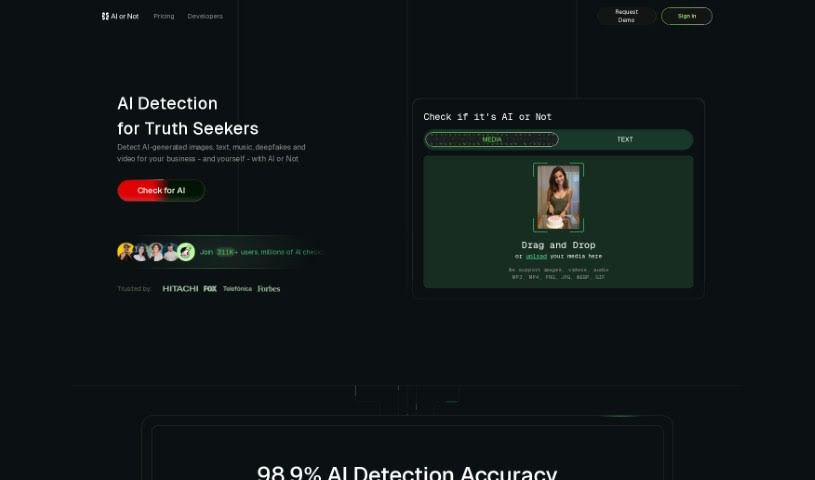
AI or Not checks whether an image was generated by AI or a human, identifies the likely model behind it, and offers free single-image analysis plus an API.
AI or Not is a web service that determines whether an image was generated by AI or created by a human. It can also identify the likely AI model behind an image, such as Midjourney, Stable Diffusion, or DALL-E. The service analyzes uploaded images against patterns and characteristics that distinguish AI-generated content from human-created images.
The team behind AI or Not emphasizes data privacy and security. Uploaded images and URLs are retained only as long as needed for analysis, following industry practices and data protection regulations. Users can reach the team through the contact form on the website, and an API is available for bulk processing or integrating AI detection into other platforms.
The tool targets professionals who work with digital images: graphic designers, digital artists, photographers, art curators, content creators, social media managers, marketing specialists, SEO experts, web developers, and data analysts.
On the AI or Not website, either click “Upload Image” to select a file from your computer or paste an image URL into the “Enter Image URL” field and click “Analyze Image.” The service uses machine learning to scan the image for signs of AI generation, then reports whether it was likely created by AI or by a human.
Analyzing single images is free. For bulk processing or commercial use, a premium API is available by filling out a form on the website. Uploaded images should be in common formats such as JPEG or PNG. Pricing, usage details, and data security measures are covered in the API documentation and Privacy Policy on the AI or Not website.
Related
Discover more tools in similar categories
Weekly picks of the best AI tools we've researched and added — no spam, unsubscribe anytime.
Join 25,000+ AI enthusiasts. No spam, unsubscribe anytime.